 PRO
Analog film, on your phone.
80 film looks that render live on the viewfinder, so the picture you frame is already the picture you keep. Nothing leaves your device.
On iPhone and Android now.
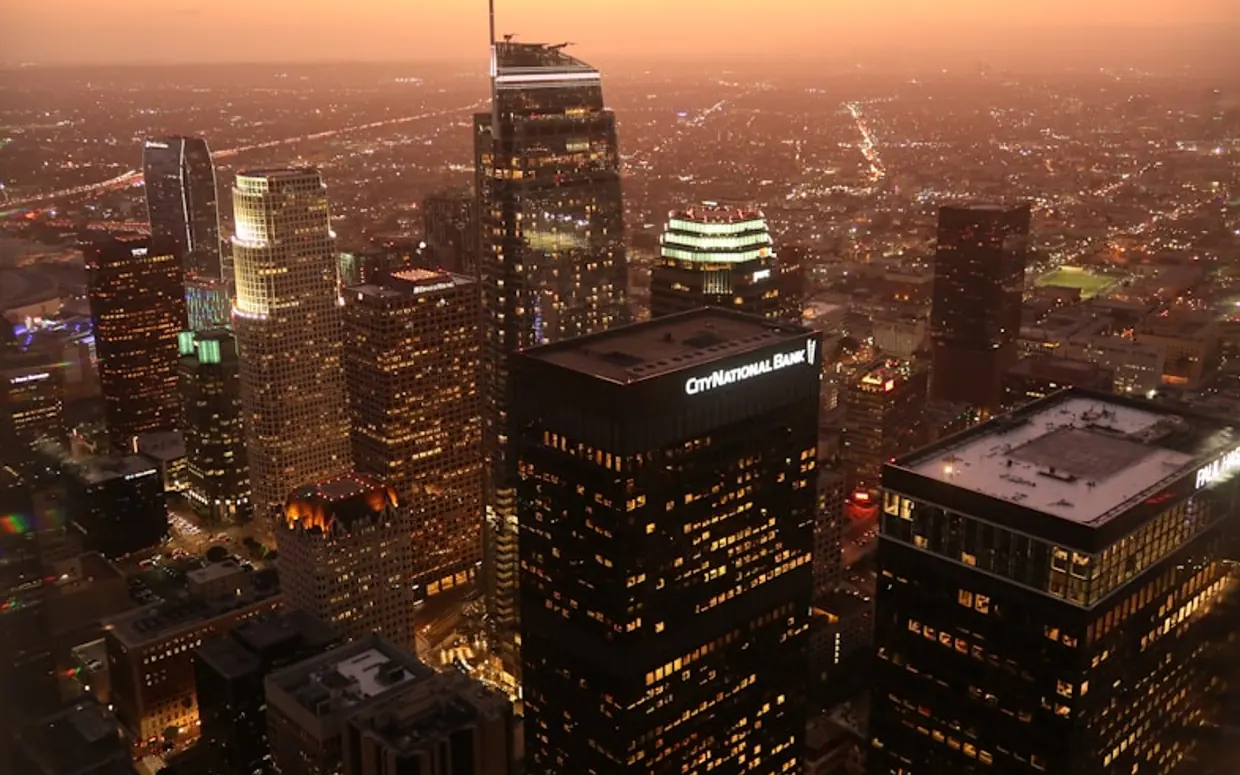
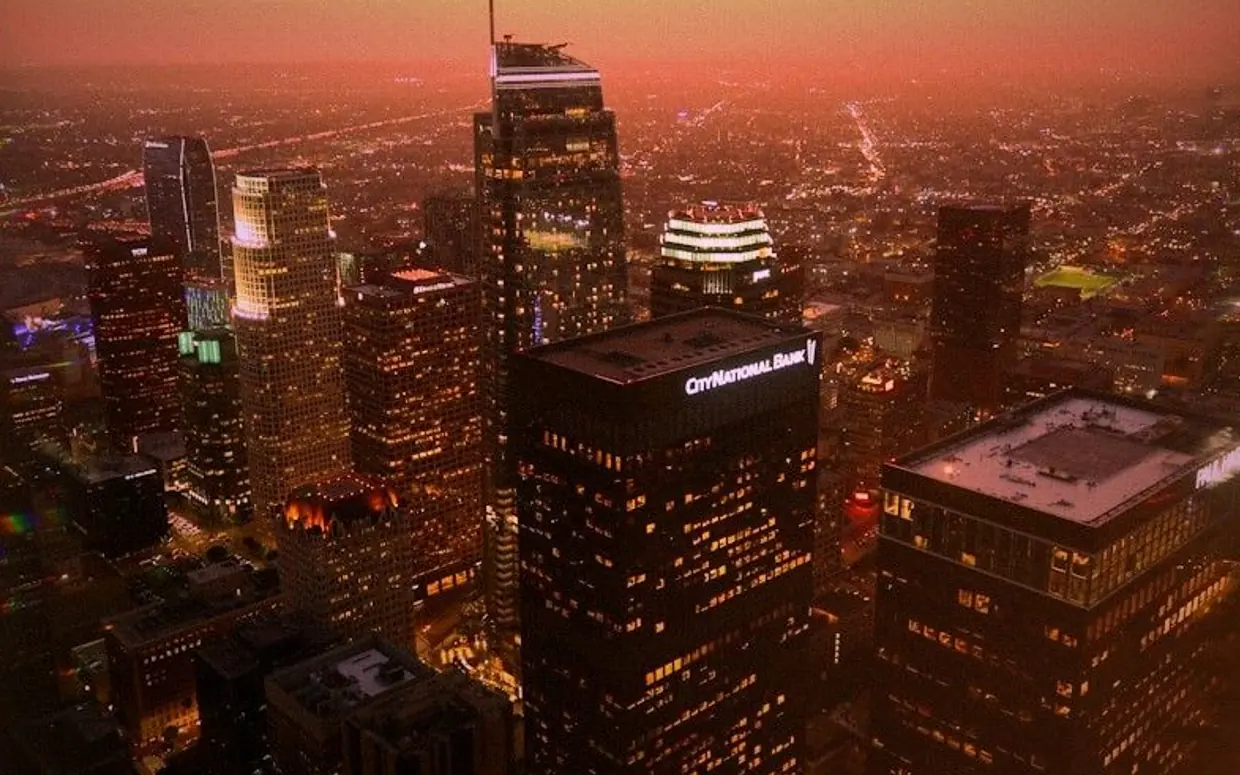 Original
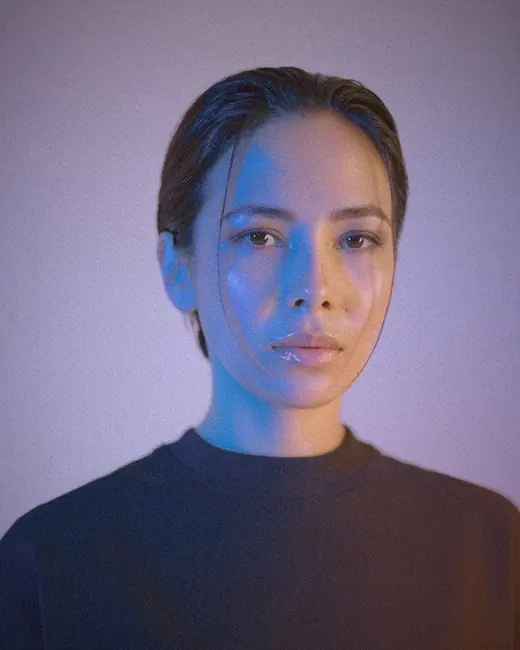
La La Land
Drag to compare. Every photograph on this page is rendered from AuraFilm's own filter parameters - no separate press images.
80
Film looks in the catalog
11
Categories to wander through
13
Of them in the PRO set
0
Photos uploaded, ever
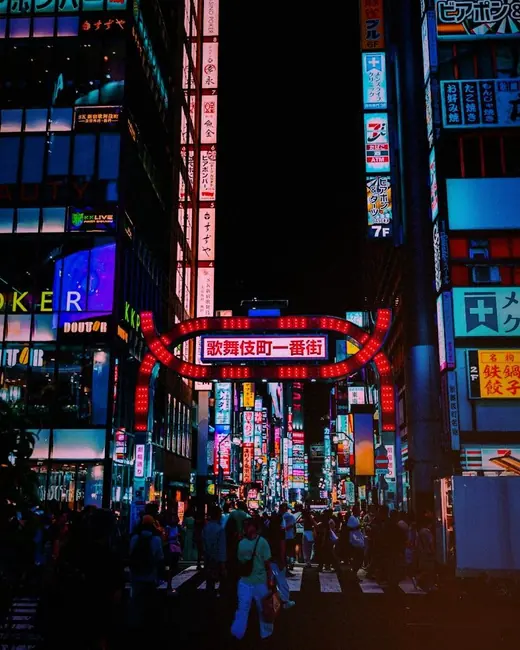
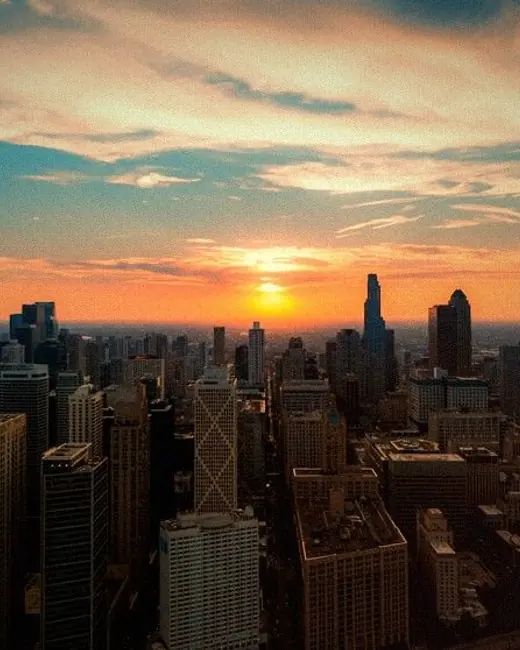
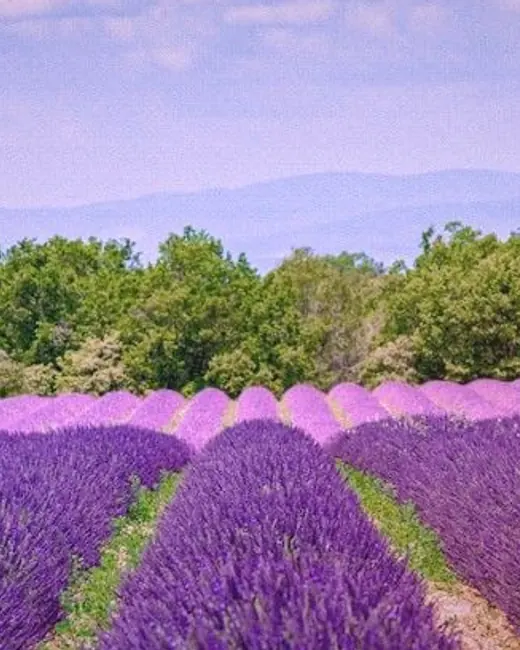
One from each category.
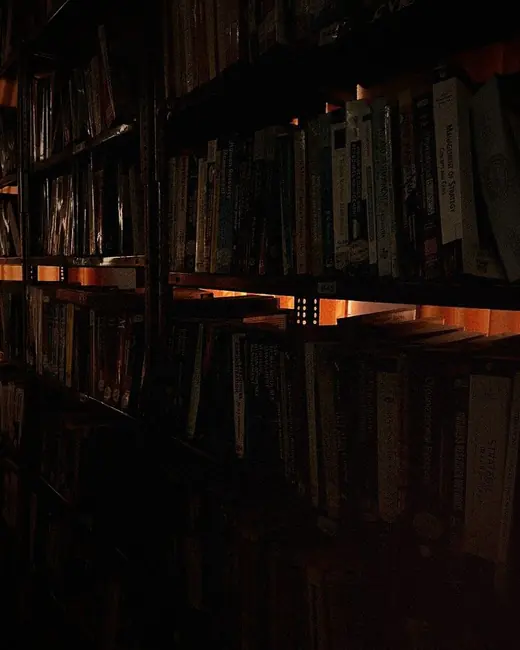
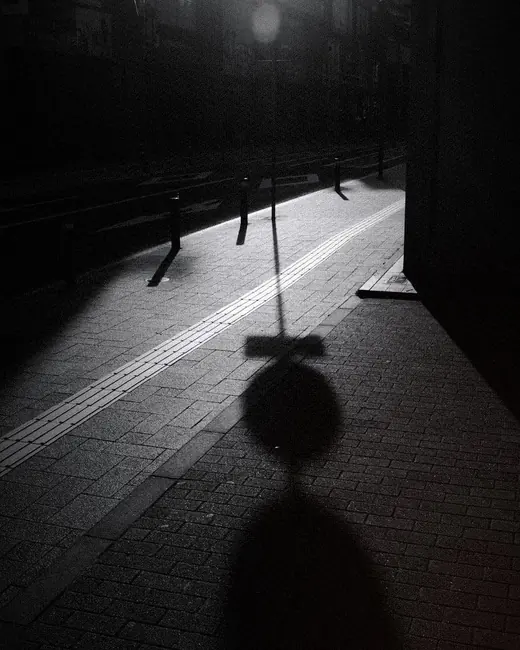
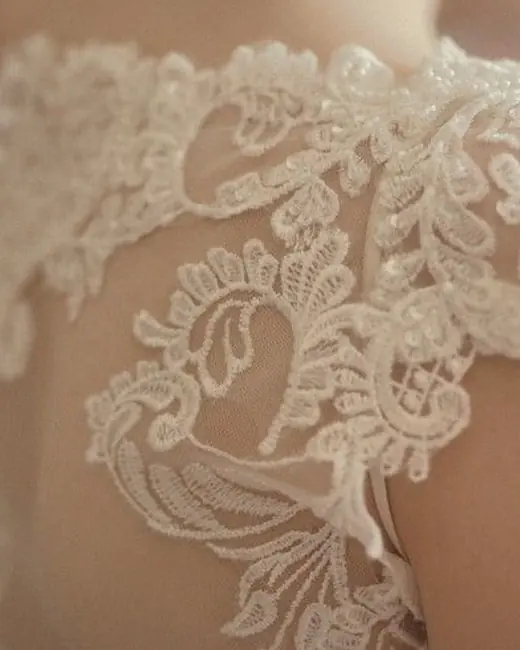
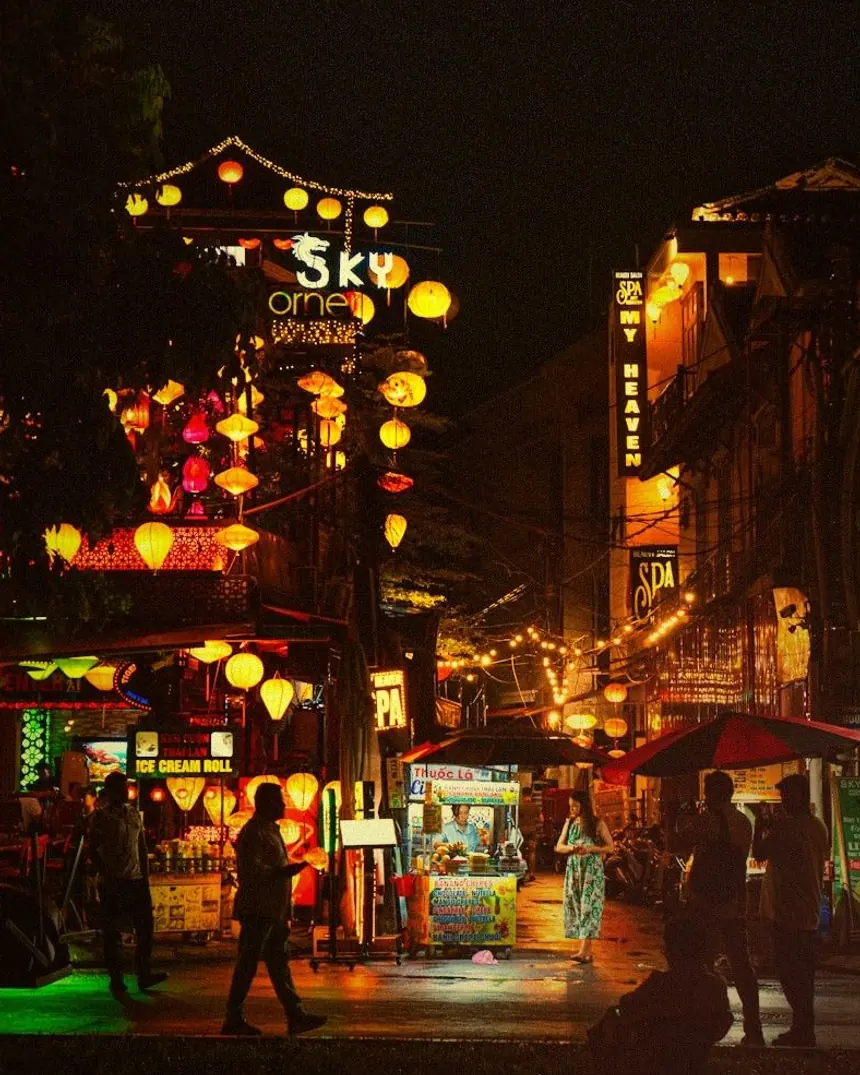
There are 80 in the app. Here is a single look from each of the eleven categories, applied to a real photograph rather than a swatch.
PRO

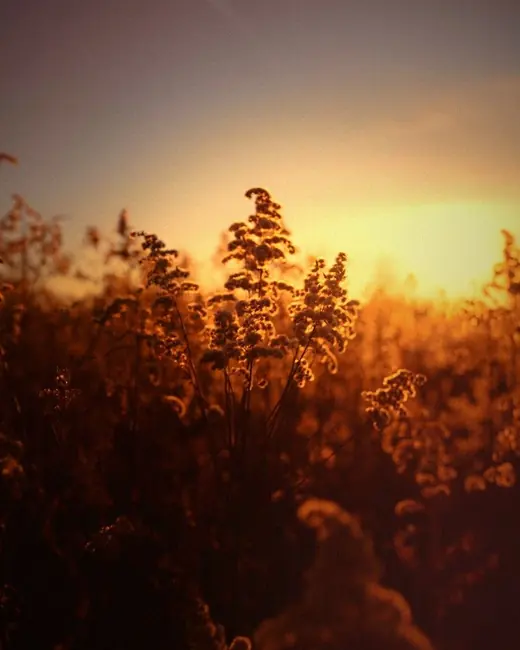


 Original
Hoi An Golden
Why it feels different
The look is decided before the shutter, not after.
Most filter apps hand you a photograph and then paint over it. AuraFilm puts the grade on the frame you are still composing - it runs on the GPU, on the live camera feed, at preview speed. What you see through the phone is what lands in the roll.
The same look then travels with the shot. Into the roll, into the lab, onto a polaroid frame - drawn by the shaders that produced the preview, so nothing has to be guessed at a second time.
A camera, a roll, and a small darkroom.
Live on the viewfinder
The grade runs on the GPU while you frame, not after you press the shutter. Zoom presets, tap to focus, flash and torch, front and back.
A roll of your own
Every shot lands in an AuraFilm album on your phone. Filter the roll by look, open a frame full screen, share one or save a whole handful at once.
A Lab for photos you already have
Film looks, prints and layouts for the pictures already on your phone. Step into the Lab.
Polaroid from the camera
Switch the camera to Polaroid and every shot comes out in an instant-print frame, with a caption in a handwriting face.
Eighty looks, eleven categories
Browse the catalogue, keep the ones you like, and open the camera with a look already on the frame.
Signature and date stamp
Optional marks baked into the capture itself, the way the date back on a film camera used to burn the day into the corner.
For the photos already on your phone.
Give a picture a film look, set it in a print, or build something new out of several at once. The tools marked PRO come with a subscription.
Film Look
Real film color and grain for photos you already have. Try a look, ease the strength back until it sits right, then save or share it.
Prints
PRO
Polaroid
A cream frame with your signature, note, and date.
PRO
Stamp
A perforated postage stamp with a place and a date.
PRO
Postcard
Greetings from anywhere, with a message on the back.
Layouts
PRO
Tiles
Cut one photo into tiles, then swap and shuffle them.
PRO
Collage
Up to 64 photos in a grid of your own shape.
PRO
Carousel
A swipeable post that flows from one slide to the next.
Your photographs stay on your phone.
In the current version of AuraFilm, your photos and videos never leave your device. There is no photo upload, no cloud gallery and no server-side image storage. We cannot see your pictures.
- Everything is rendered locally. Filtering, grain, light leaks and export all run on the phone's own GPU.
- Usage analytics is off unless you turn it on. The app asks once, and declining means no analytics event is ever sent.
- Crash reports are the exception. Release builds send them so faults can be fixed, and the Privacy Policy spells out exactly what they contain.
PRO
A little more from every photo.
PRO opens the pro presets and the Lab tools marked PRO, and your exports leave without the AuraFilm mark.
- All pro presets - 13 of the 80
- No AuraFilm mark on your photos
PRO is a weekly or yearly subscription through the App Store or Google Play. The price is shown in the app before you confirm.
Somebody reads every message.
Questions, bugs, feedback
Write to support@takago.app. If it is a bug, the phone model and what you were doing at the time help more than anything else.